
Enabling Traefik Gateway API Provider on K3S
Intro
Kubernetes has two APIs that allow external access to internal resources: the Kubernetes Ingress API and the Kubernetes Gateway API. While the older Ingress API is still officially supported and not on a timeline for deprecation, it was feature-frozen in October of 2023 and any new innovation will be implemented in its successor, the Gateway API. Since I want my Kubernetes homelab to be useful for exploring new technologies as they are available, I want to be working with the Gateway API. However, K3S still ships with the Ingress configured and active. What is the canonical way to de-activate the Ingress API and activate the Gateway API?
The Helm Controller
K3S includes a Helm controller to manage installing, upgrading/reconfiguring, and uninstall Helm charts using a HelmChart Custom Resource Definition, as they note verbatim on their site (https://docs.k3s.io/add-ons/helm). Helm itself is a package manager for Kubernetes which you can use to install and manage applications on your cluster. In this case we’re going to manage Traefik, a reverse proxy that can serve as a Load Balancer, Ingress Controller, and Gateway Controller for a Kubernetes cluster. It’s included by default with K3S, but it’s configured as an Ingress Controller, so we are going to use a HelmChartConfig chart to modify our Traefik installation to enable it as a Gateway Controller.
Log in to your server node using SSH and save the following file to the location /var/lib/rancher/k3s/server/manifests/traefik-config.yaml:
apiVersion: helm.cattle.io/v1
kind: HelmChartConfig
metadata:
  name: traefik
  namespace: kube-system
spec:
  valuesContent: |-
    providers:
      kubernetesGateway: # enable the gateway controller
        enabled: true
      kubernetesIngress: # disable the ingress controller
        enabled: false
(There should already be a traefik.yaml file in that location, but do not edit it, as it will always be overwritten when the cluster restarts. The good news is if you accidentally edit it, as I did, you can fix the cluster by restarting it.)
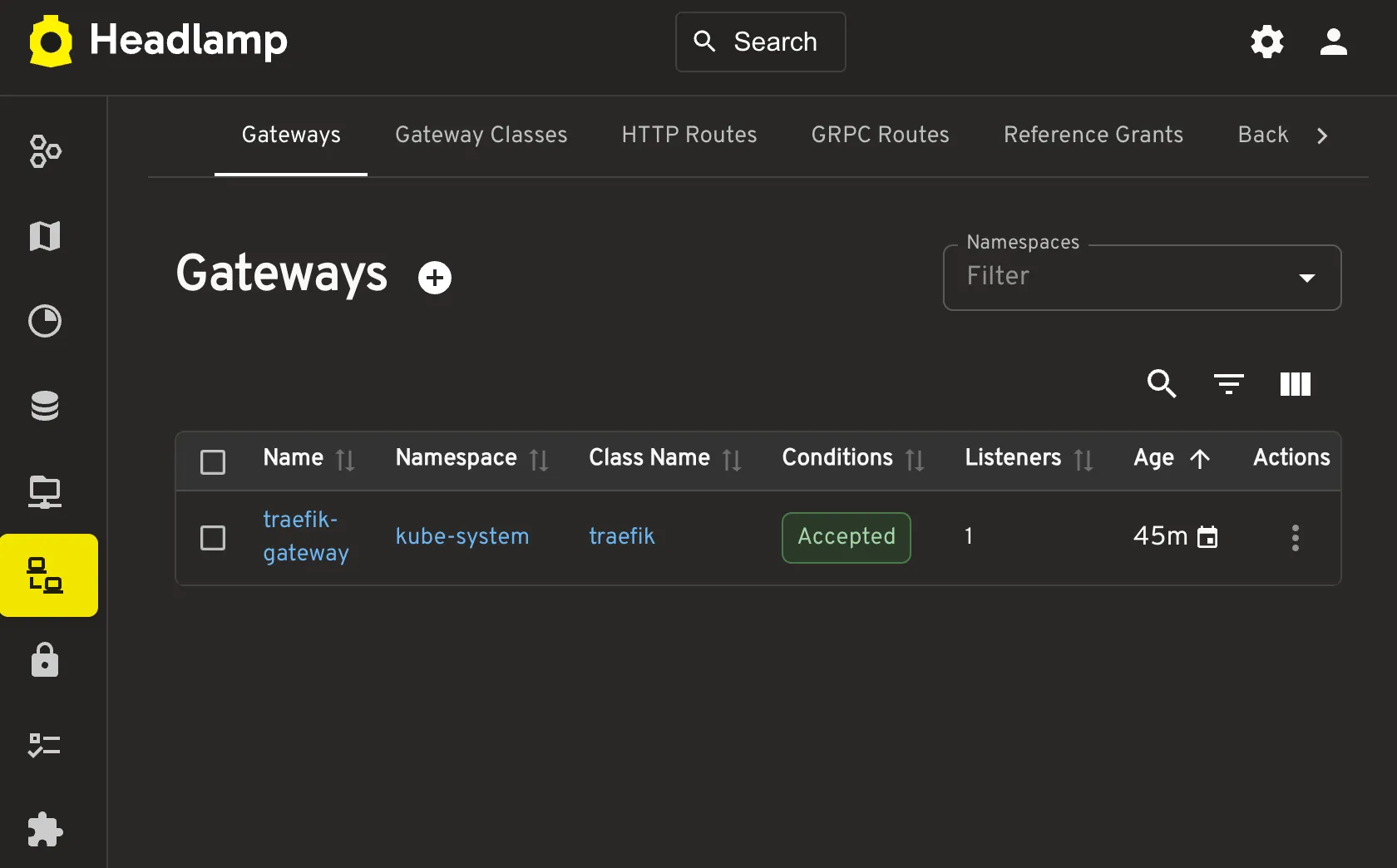
The Helm controller should pick up the change and automatically update your cluster with the new configuration. If you are running Headlamp, you should now see the Gateways in the side menu.
Comments
No comments yet. Be the first to reply on Bluesky!