Migrating a Database in AWS Using the cdk-dms-replication Construct
Introduction
I’ve spent the last couple of posts (Single Table Design, Single Table Design Followup) talking about data modeling and best practices in DynamoDB, sharing lessons that I learned while migrating a database from Aurora MySQL to DynamoDB. What I haven’t covered is how I actually migrated the data using AWS Database Migration Service (DMS). DMS automates the process of replicating data to a new database and/or running a one-way sync between one database and another. Unfortunately it can be hard to configure DMS, as it requires you to manually define resources such as endpoints and replication tasks.
To ease the burden of getting started with DMS, I published a third-party construct to Amazon’s Construct Hub, cdk-dms-replication, to generate DMS infrastructure in just a few lines of AWS CDK code. In this post, I give a quick example of how to perform a migration using this construct, this time with S3 as the target to simplify things.
What is AWS DMS?
AWS DMS is a managed cloud service that performs database migrations and synchronization between a source database in or out of AWS and a target database in AWS. If you are populating a new database in AWS from data in another database, it’s a great tool for moving the data without downtime. In particular, I found it useful for migrating to my team’s new DynamoDB database from its existing Aurora MySQL database. I ran an initial full load of the data onto the new database, then continued to keep the new database up to date before the switch over using change data capture (CDC).
What is hard about DMS?
A database migration requires the operator to make a number of decisions — source and target connection and security, replication task configuration, table mappings to decide how the data should be written in the new table. DMS requires the operator to make all of these decisions but does not provide any defaults. Creating a DMS migration in the AWS Console requires creating the Replication Instance, the Source and Target Endpoints, and the Replication Task separately. With some services in AWS you can quickly create dependent resources using the AWS CDK, but the constructs AWS provides for DMS are L1 constructs, which require you to still define each of those resources separately, as you would in CloudFormation.
What is cdk-dms-replication?
cdk-dms-replication is an L3 AWS CDK Construct published on Construct Hub that automatically creates the resources you need to provision a DMS migration: Replication Instance, Source and Target Endpoints, and Replication Task. I’ve developed it based on my prior work at AWS, where I wrote a more specific construct for my team to migrate its database tables to DynamoDB tables. With this construct, you can create all of the resources you need in a single line of code.
Example of use
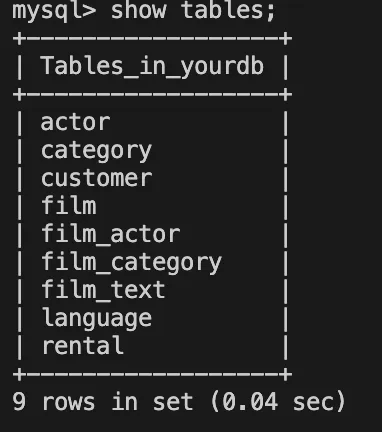
I made an example database in Aurora MySQL to migrate using DMS on a personal account. The database has a number of tables relating to film rentals, such as actor, category, and customer.
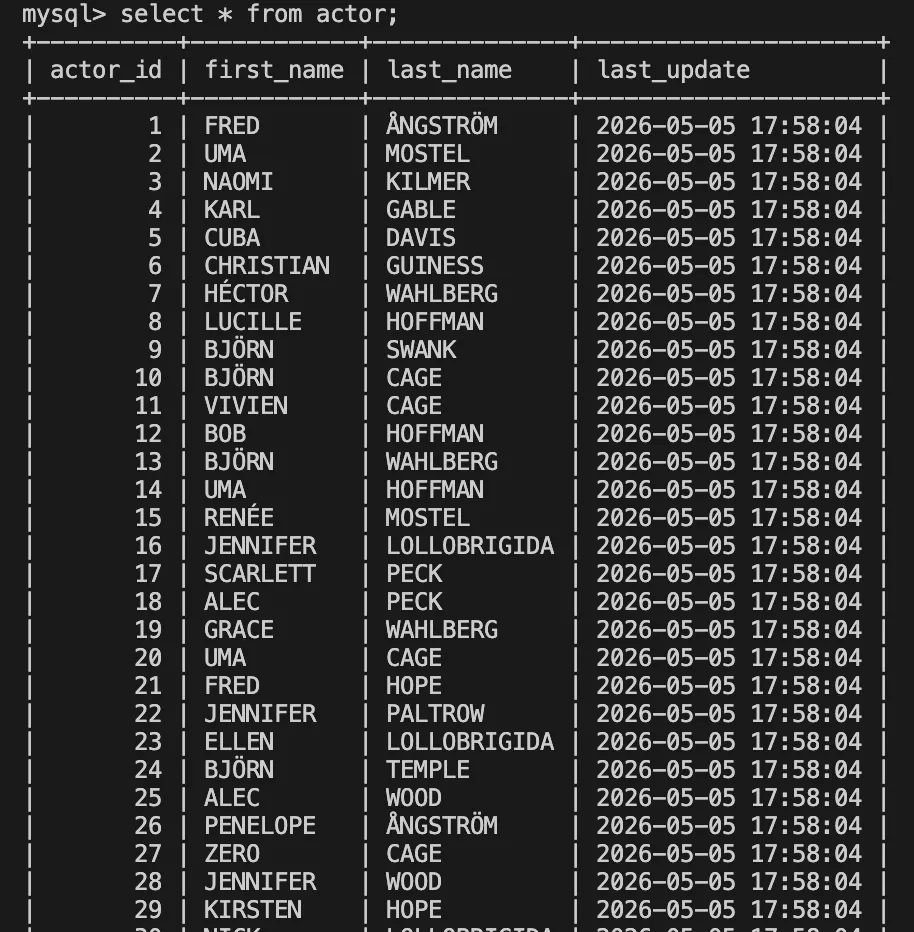
As an example, the actor table contains a series of nonsense actor names.
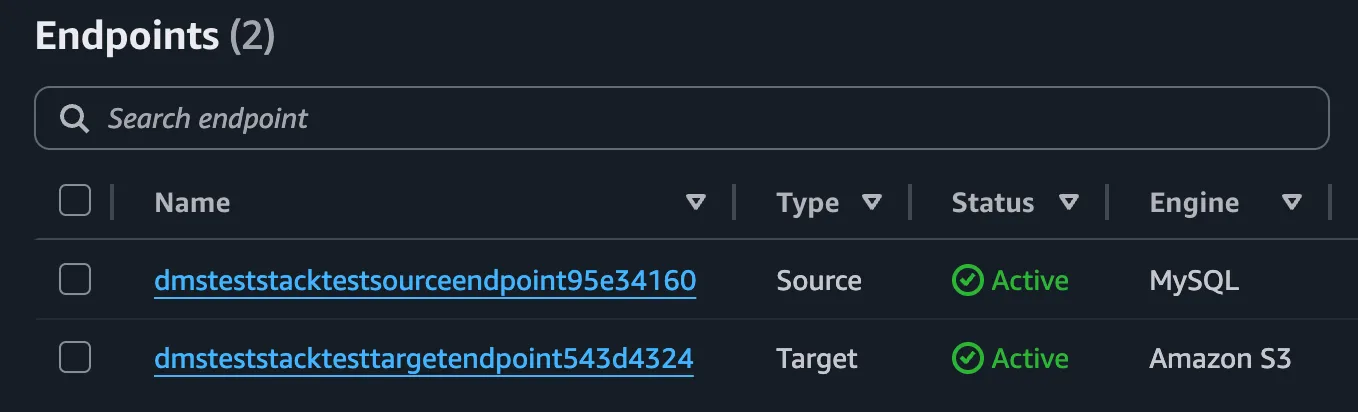
Using the cdk-dms-replication package, I created a new DMS task, plus the replication instance and source and target endpoints, from a single line of code, formatted for readability.
new DmsMigrationPipeline(this, 'Test', {
    vpc, // Vpc object from 'aws-cdk-lib/aws-ec2' library
    vpcSubnets: { subnetType: ec2.SubnetType.PRIVATE_ISOLATED },
    replicationInstanceClass: ReplicationInstanceClass.T3_MEDIUM,
    migrationType: MigrationType.FULL_LOAD,
    sourceEndpoint: {
        engine: EndpointEngine.MYSQL,
        serverName: db.dbInstanceEndpointAddress, // DatabaseInstance object from 'aws-cdk-lib/aws-rds'
        port: 3306,
        username: 'dms_user',
        password: db.secret!.secretValueFromJson('password'),
        databaseName: 'yourdb',
    },
    targetEndpoint: {
        engine: EndpointEngine.S3,
        s3Settings: {
          bucketName: dmsBucket.bucketName, // Bucket object from 'aws-cdk-lib/aws-s3' library
          serviceAccessRoleArn: dmsS3Role.roleArn, // Role from 'aws-cdk-lib/aws-iam' library
        },
    },
    tableMappings: new TableMappings().includeSchema('%').toJson(),
});
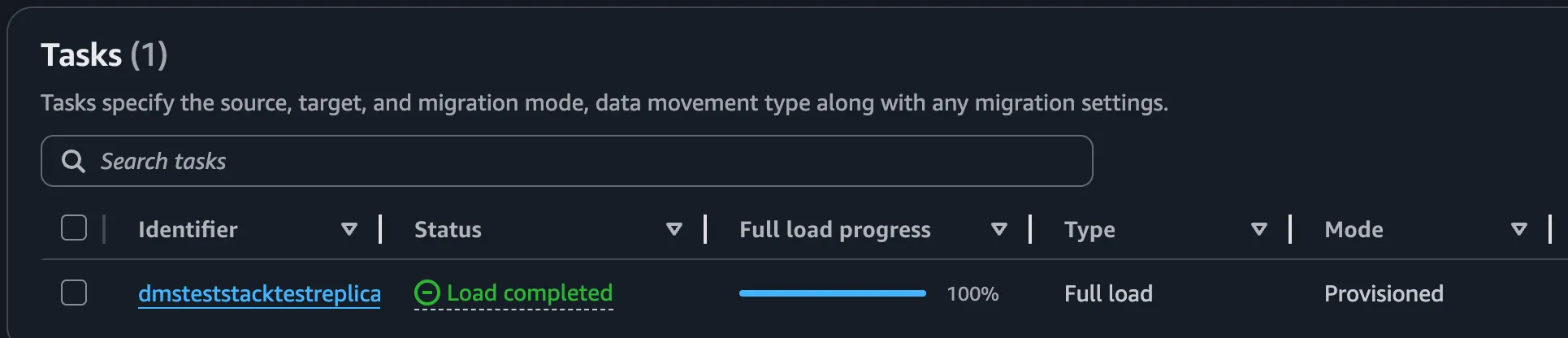
The DMS task:
The Endpoints:
The replication instance:

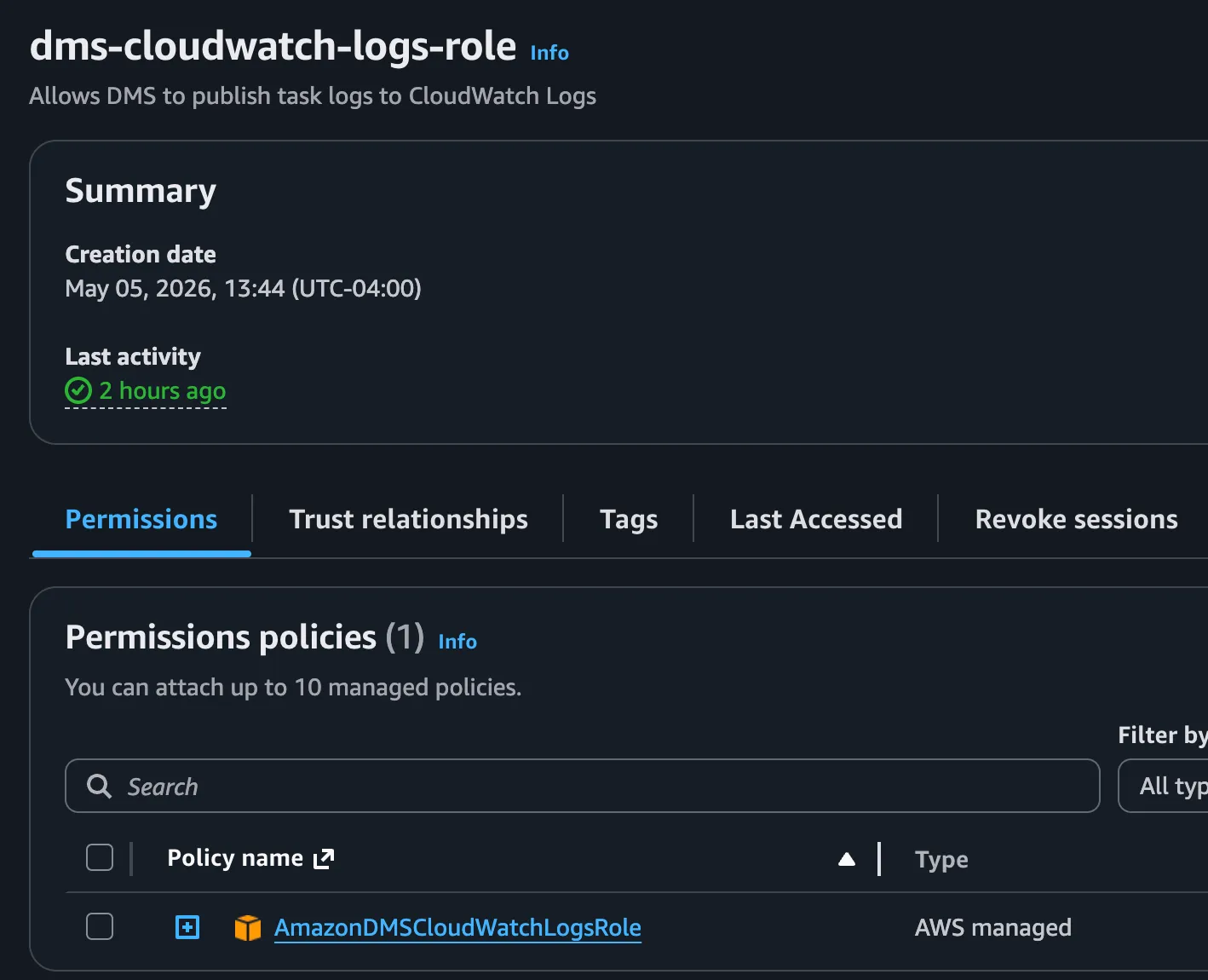
The construct also creates the required dms-cloudwatch-logs-role and dms-vpc-role (not shown):
Use the AWS CDK CLI to deploy the stack:
cdk synth
cdk deploy DmsTestStack
This creates the infrastructure but does not run it. Query DMS to find the ARN of the task:
aws dms describe-replication-tasks --query 'ReplicationTasks[*].[ReplicationTaskIdentifier,ReplicationTaskArn]' --output tableThen start the replication task to run the migration:
aws dms start-replication-task --replication-task-arn <task-arn> --start-replication-task-type start-replicationI chose an S3 target as a very simple example of the kinds of targets you could use:
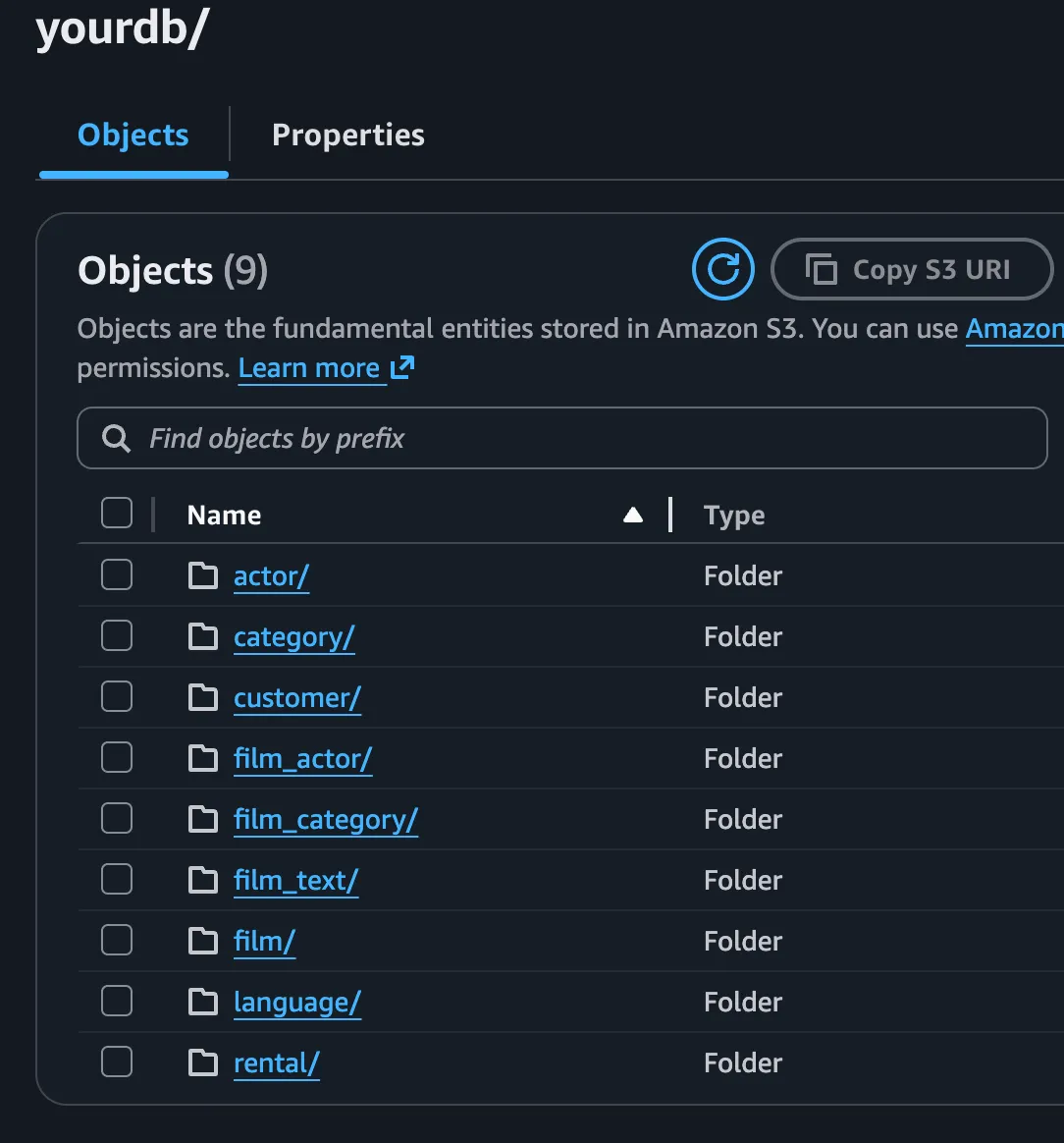
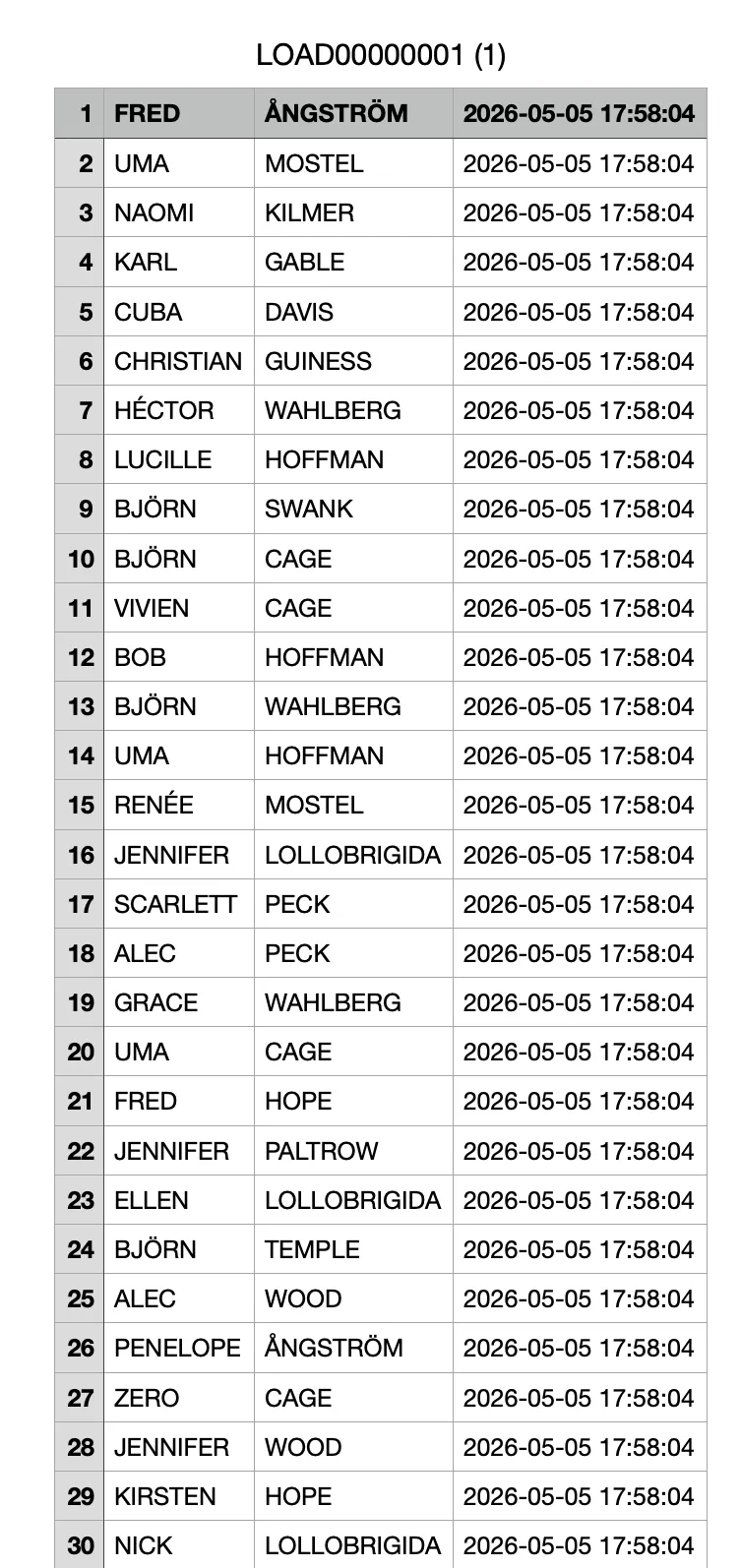
Inside each of the folders in the target S3 bucket is a CSV containing the copied data.
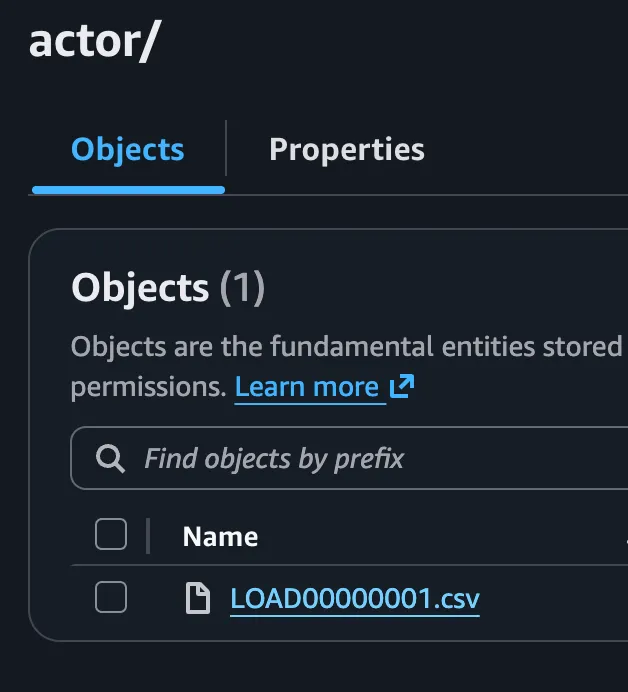
The CSVs contain a copy of data from each table in the source endpoint.
Conclusion
Though DMS can be a pain to configure, it’s a powerful tool for running database migrations when you have a target database in AWS. cdk-dms-replication removes some of the pain by giving you the full stack in a single CDK construct with sensible defaults, meaning you can deploy your DMS infrastructure with less boilerplate. On my part it would have saved me days of toil when I was writing my Aurora MySQL to DynamoDB migration.
If you’re running a database migration to a target on AWS, please give cdk-dms-replication a look. Also feel free to contribute and provide feedback on the project’s GitHub page.